

iOS 26 Introduces a New Way to Save Battery
Modern smartphones are becoming increasingly powerful, intelligent, and versatile—but they still share a common weakness: dead batteries. Once your phone hits zero percent, it’s essentially unusable.
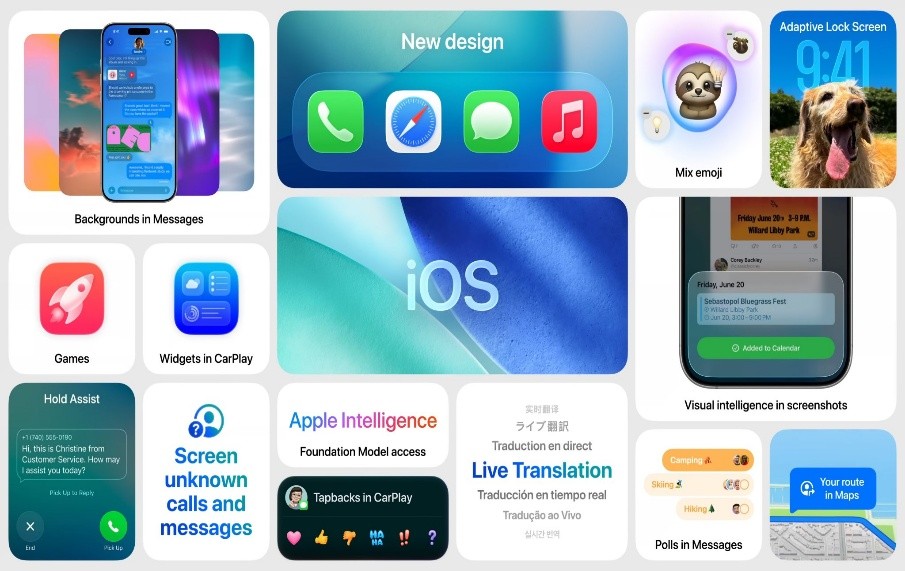
Figure 1. iOS 26 Debuts Smart Battery-Saving Feature.
To tackle this, manufacturers are continually exploring ways to extend battery life and reduce the chances of a fully drained device. Apple’s latest iOS 26 update introduces a new feature designed specifically to help with this challenge. Figure 1 shows iOS 26 Debuts Smart Battery-Saving Feature.
The feature is called Adaptive Power mode, and Apple claims it can help your iPhone last longer throughout the day. However, it’s only available on newer devices: the iPhone 15 Pro and Pro Max, as well as all iPhone 16 and iPhone 17 models.
Adaptive Power’s main innovation lies in its ability to learn your usage habits and extend battery life accordingly. The idea is for it to work seamlessly in the background—ideally, the only thing you’ll notice is that your phone lasts longer between charges. According to Apple, it takes about a week to fully understand your typical phone usage.
There are some trade-offs, however. When Adaptive Power activates, screen brightness may drop by around 3%, and a mix of performance adjustments and reduced background activity can cause slight slowdowns in certain apps.
If your battery falls below 20%, iPhone’s traditional Low Power mode will take over. Apple also notes that Adaptive Power won’t activate during demanding tasks, such as using the Camera app or playing games with Game Mode enabled, ensuring performance isn’t compromised when you need it most.
Adaptive Power may already be active on your device. It’s enabled by default on the latest iPhone 17 and iPhone Air models, but on older devices—like any iPhone 16 model or the iPhone 15 Pro/Pro Max—it’s turned off by default.
To manage it, go to Settings > Battery. Here, you’ll see an overview of your recent battery usage along with the apps you use most (tap View All Battery Usage for more details). To enable or disable Adaptive Power, tap Power Mode and toggle Adaptive Power on or off.
You can also activate Adaptive Power Notifications to get on-screen alerts whenever the feature is engaged, or leave it to work quietly in the background. Low Power Mode can be enabled from the same menu, either alongside Adaptive Power or on its own.
All the familiar battery-saving strategies still apply, whether Adaptive Power is on, off, or unavailable on your iPhone. Dimming the screen, lowering the volume, and limiting GPS use are simple ways to reduce battery drain, and you can use them whenever needed.
Another effective trick is Airplane Mode. While this disconnects your phone from calls, messages, and the internet, it significantly reduces battery consumption and still allows you to use offline apps like the camera or podcast player.
Then there’s Low Power Mode, which has been around for a while and can operate independently of Adaptive Power. It aggressively limits background activity, app performance, screen brightness and refresh rate, 5G usage, and other functions. Unlike Adaptive Power, it doesn’t monitor your usage patterns—it’s simply either on or off.
Source:POLPULAR SCIENCE
Cite this article:
Priyadharshini S (2025), iOS 26 Introduces a New Way to Save Battery, AnaTechMaz, pp. 317
Recent Post
-

Google Unveils Keyboard Inspired by Classic Rotary Phones
Rotary phones, once a fixture in mid-century living rooms, faded into basements and.....
-
iOS 26 Introduces a New Way to Save Battery
Modern smartphones are becoming increasingly powerful, intelligent, and versatile.....
-

Why Does This Concept Phone Feature a Robot-Arm Camera?
When activated, the robotic arm raises the camera above the top of the phone and.....
-
How to Use Visual Intelligence on iPhone Running iOS 26
By now, most iPhone users have likely upgraded to iOS 26, and it’s a major update.....
-

ChatGPT: Everything About the AI Chatbot in One Place
Since its launch in November 2022, ChatGPT, OpenAI’s text-generating AI chatbot.....
-
Google’s Gemini 3 Model Keeps AI Excitement Riding High – For Now
Google’s newest chatbot, Gemini 3, has achieved notable improvements across multiple AI benchmark tests,....
-

Google DeepMind Co-Founder Warns: “The AI Industry is in a Bubble”
Speaking on the Hard Fork podcast with hosts Kevin Roose and....
Google Reverses Decision to Block Unverified Android Developers
Google’s August proposal would have required all Android developers to verify their identities starting next....

ChatGPT’s Voice Mode is Now Fully Integrated into the Main Interface
ChatGPT’s voice mode is becoming more convenient. On Tuesday, OpenAI announced an update to the ....
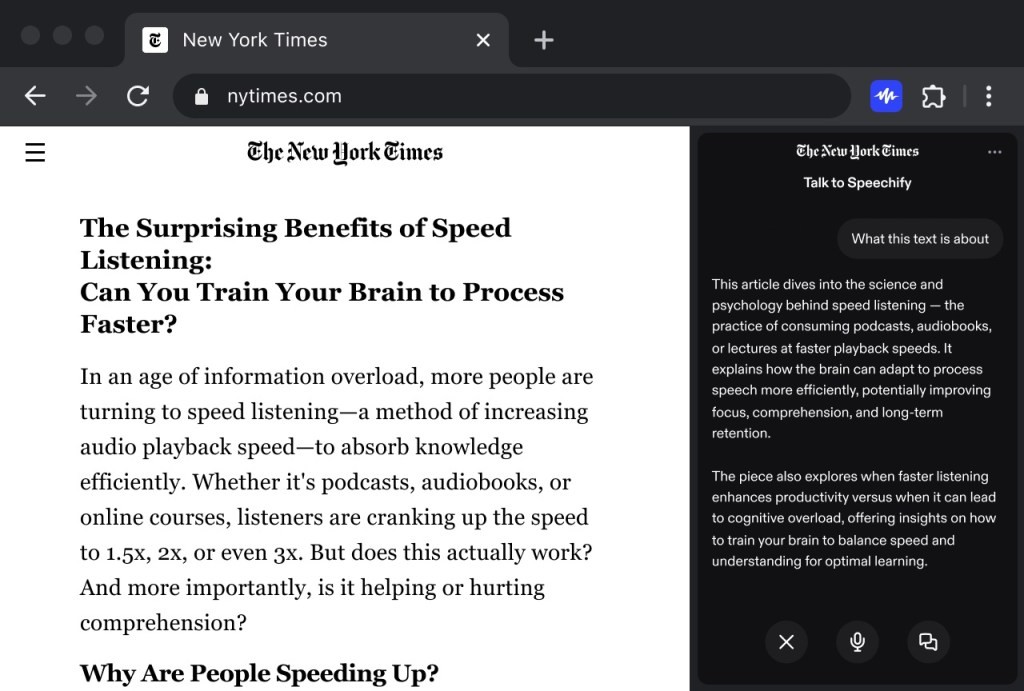
Speechify Brings Voice Typing and Assistant Features to its Chrome Extension
Speechify has primarily been a tool for listening to articles, PDFs,.....
-

Kick-Start Your Language-Learning Journey with Lifetime Access to Babbel
Now is the ideal moment to invest in yourself — and for many, that....
-
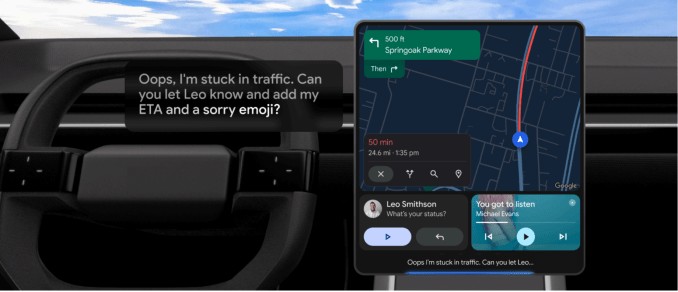
Android Auto Worldwide Now Getting Gemini Rollout
Google is rolling out Gemini to Android Auto, its smartphone projection system found in millions of cars, trucks,....
-

Meta to Roll Out Trial Premium Subscriptions Across Instagram, Facebook, and WhatsApp
Meta is preparing to test new subscription plans that offer...
-

How OpenAI and Google Expect AI to Transform Go-to-Market Strategies
For years, startups relied on traditional playbooks when launching....
-

WhatsApp Introduces New Feature Similar to Instagram Notes
WhatsApp is rolling out a feature similar to Instagram Notes, letting users post short text updates visible to....