

Alternatives to Microsoft Lens for Your Scanning Needs
In today’s digital age, having a reliable scanning app on your smartphone is essential for everything from digitizing documents to sharing receipts and notes instantly. With Microsoft Lens set to be retired, many users are on the lookout for powerful, easy-to-use alternatives that can fill the gap seamlessly. Fortunately, the market is brimming with scanning apps that offer advanced features, high accuracy, and smooth integration with cloud services.
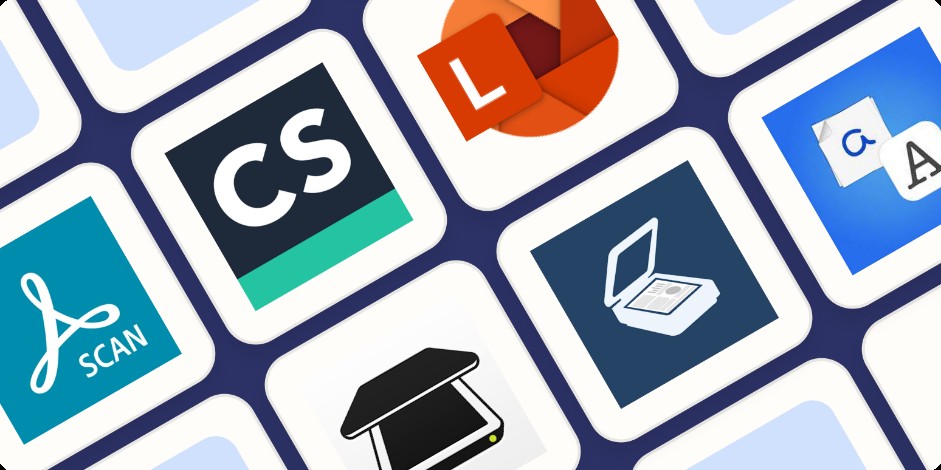
Figure 1. Alternatives to Microsoft Lens.
1. Adobe Scan
Adobe Scan is a favorite among professionals and casual users alike. Powered by Adobe’s cutting-edge AI, it automatically detects borders, enhances text clarity, and converts scans into high-quality PDFs. Integration with Adobe Document Cloud means your documents are accessible across all your devices, making it ideal for business workflows and personal use.
2. CamScanner
CamScanner remains one of the most popular scanning apps worldwide. It offers robust editing tools, OCR (Optical Character Recognition) for extracting text, and multi-page scanning with easy sharing options. Its user-friendly interface and reliable performance make it a solid alternative for everyday scanning.
3. Google Drive Scan
For Android users, Google Drive’s built-in scanning feature is a convenient option that requires no additional downloads. It quickly captures documents, auto-crops edges, and uploads files directly to Google Drive, ensuring your scans are backed up in the cloud and easily shareable.
4.Scanbot
Scanbot stands out with its sleek design and powerful features such as smart file naming, QR code scanning, and integration with numerous cloud storage providers like Dropbox and OneDrive. Its premium version offers advanced editing and export options for users needing more control.
5. Notebloc
If you’re a student or someone who frequently scans handwritten notes and sketches, Notebloc provides a great scanning experience. It offers automatic perspective correction and background cleanup, delivering clear, legible digital copies of your notes. Figure 1 represents Alternatives to Microsoft Lens.
Choosing the Right App for You
When selecting an alternative to Microsoft Lens, consider what matters most: ease of use, editing capabilities, integration with your preferred cloud service, or advanced features like OCR. Many of these apps offer free versions with optional premium upgrades, allowing you to test their features before committing.
Looking Ahead
As scanning technology continues to evolve, these apps are increasingly incorporating AI-driven enhancements, faster processing, and better document management capabilities. Whether you’re digitizing business contracts, receipts, or personal notes, the right scanning app can make the process seamless and efficient — ensuring that your transition away from Microsoft Lens is a smooth one.
Source: Microsoft
Cite this article:
Keerthana S (2025), "Microsoft to Retire Lens App on iOS and Android", AnaTechMaz, pp.5.
"Microsoft to Retire Lens App on iOS and Android"
(EPISODE 'S)
-

Why Microsoft Is Shutting Down Its Popular Scanning Tool
For years, Microsoft Lens has been a go-to app for students, professionals, and everyday users...(Episode: 01)
-
The End of Lens: What It Means for Mobile Users
For many, Microsoft Lens wasn’t just another app—it was the go-to...(Episode: 02)
-
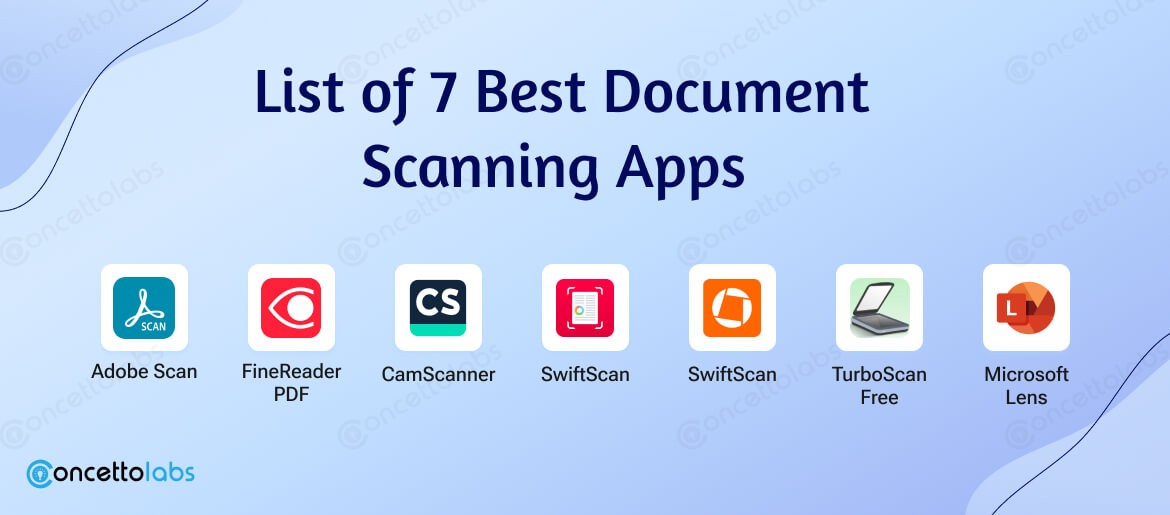
Scanning Apps in 2025 – Who Will Fill the Gap?
As Microsoft Lens prepares for retirement by late 2025, mobile users—once spoiled by its...(Episode: 03)
-
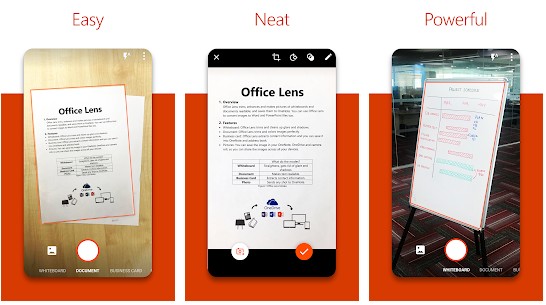
From Handy to History: The Story of Microsoft Lens
Launched in 2015 as a successor to Office Lens on Windows Phone,...(Episode: 04)
-
Alternatives to Microsoft Lens for Your Scanning Needs
In today’s digital age, having a reliable scanning app on your smartphone is essential for everything from ...(Episode: 05)